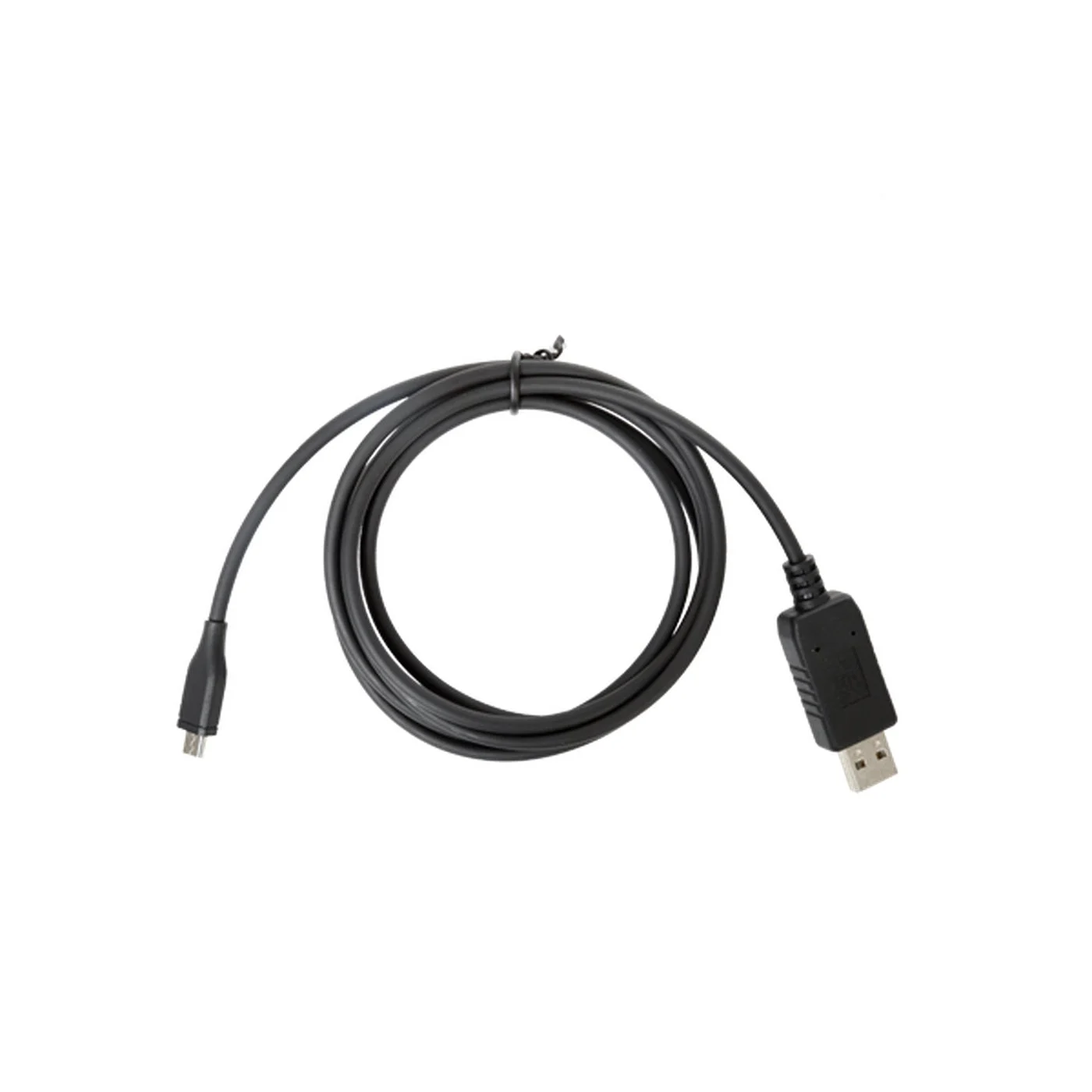


Hytera PC69 USB Programming Cable | BD302i & PD362i
$45.49
Hytera PC69 USB Programming Cable | BD302i & PD362i. Genuine Hytera cables. In stock, ready to ship.
Hytera PC69 USB Programming Cable | BD302i & PD362i
The Hytera PC69 USB Programming Cable | BD302i & PD362i is a genuine Hytera cable built for everyday two-way radio use, matching the fit and performance the manufacturer specifies.
Highlights
- Durable 1.5 Meter Length: Provides ample reach for comfortable workspace management while connecting radios to PC towers or laptops.
- Shop Hytera Programming Software Here
- Hytera Programming Cables Collection
- Can I use a standard phone charging cable instead of the PC69? No. While the connector is the same, a standard cable lacks the internal serial chip found in the Hytera PC69 USB Programming Cable required for data transfer.
- Is this cable compatible with a Mac? No, the Hytera PC69 USB Programming Cable and Hytera CPS software are exclusively designed for Windows PC operating systems.
- Will this work with the PD782i or HP782 radios? No, this cable is for Micro-USB compact models only. Larger portables require specialized multi-pin cables like the PC38 or PC152.
Compatible models
- Model Number: PC69
- Hytera PD362i Digital Portable Radio
- Hytera BD302i Compact Digital Radio
- Hytera BD352i Digital Portable Radio
- Hytera PD362i Replacement Battery
Specifications
- Proprietary Serial Chipset: Integrated internal hardware ensures a successful data connection that standard charging cables cannot provide.
- Micro-USB Radio Interface: Specifically designed to fit the narrow accessory ports of Hytera’s pocket-sized and ultra-compact digital models.
- Plug-and-Play USB Type-A: Connects easily to standard Windows-based laptops and desktops for immediate field or office programming.
- Genuine Hytera OEM Quality: High-shielding cable construction protects against EMI/RFI interference during sensitive data transfers.
- Interface Type: USB Type-A to Radio Micro-USB
- Cable Length: 1.5 Meters (4.9 ft)
- Connectivity: PC USB to Radio Data Port
- Operating System: Windows PC (Required for Drivers and CPS)
- Return Policy: Final Sale (Programming Hardware)
Why buy from us
In stock and ready to ship. If you are unsure whether this part matches your radios, send us the model number and we will confirm before dispatch.
Frequently Asked Questions
How far does the Hytera PC69 USB Programming Cable | BD30... reach?
In the real world, Hytera handhelds like this one hold a clear signal for about 2-4 miles in open country and maybe half a mile to a mile in a city or heavy woods. The box may claim more, but trees and buildings eat radio waves fast. If you need serious distance, a 4G PoC radio or a repeater setup is the honest answer.
Is the Hytera PC69 USB Programming Cable | BD30... waterproof?
This Hytera model handles light rain and splashes, but it is not built to be submerged. If you need a fully waterproof radio, look for an IP67-rated unit in our two way radios range.
What battery life does the Hytera PC69 USB Programming Cable | BD30... have?
Expect a full day of light use from a full charge, or 8-10 hours of heavy talking. Charging from the cradle takes roughly 2-4 hours. Check the batteries section if you want a spare.
Does the Hytera PC69 USB Programming Cable | BD30... work with other walkie talkies?
Like most Hytera radios, this one talks to any other radio on the same frequency band and mode. If both units are analog and share the band, they will hear each other even across brands. Digital-only modes will not interop, so keep that in mind if you are mixing fleets.
Do I need a license to use the Hytera PC69 USB Programming Cable | BD30...?
It depends on the band. FRS radios need no license in the US, while GMRS requires a $35 family license from the FCC. If the model is a commercial or amateur radio, a license or a business frequency is required. When in doubt, check the frequency range printed on the back label.
Detailed specifications available upon request. Contact our sales team for full technical documentation.
Contact us for product datasheets, firmware updates, and programming software.


Related products


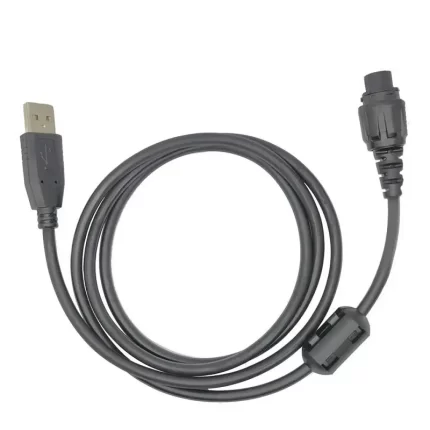
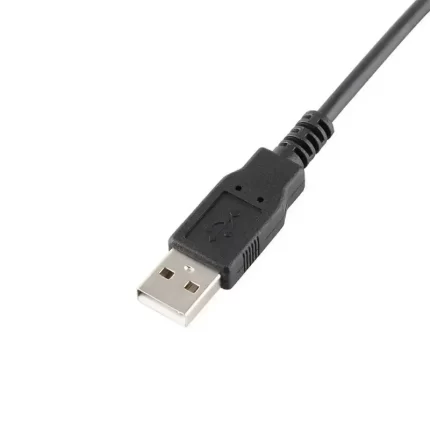
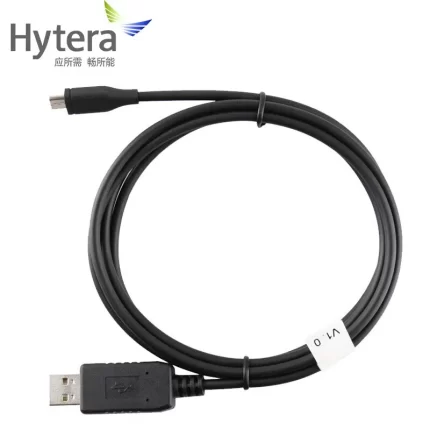
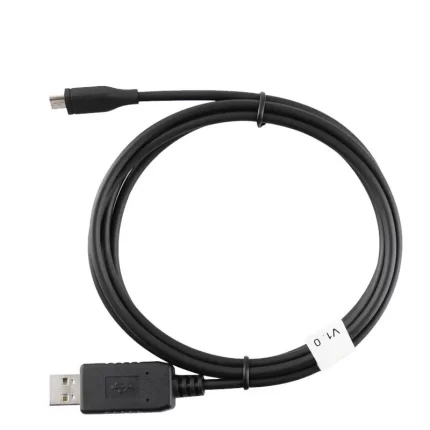
PC69 USB Programming cable Radio HyteraTD350 TD360 TD370 BD350 BD300 PD350 PD360 PD370 Walkie Talkie
Original price was: $85.92.$35.00Current price is: $35.00.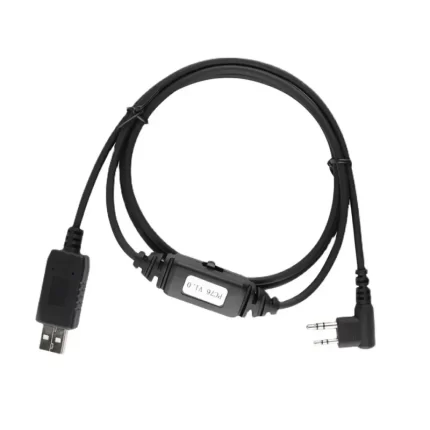
PC76 USB Programming Cable for Hytera, BD500, BD610, TD500, TD510, TD520, TD530, TD560, TD580, 405
Original price was: $77.34.$30.00Current price is: $30.00.